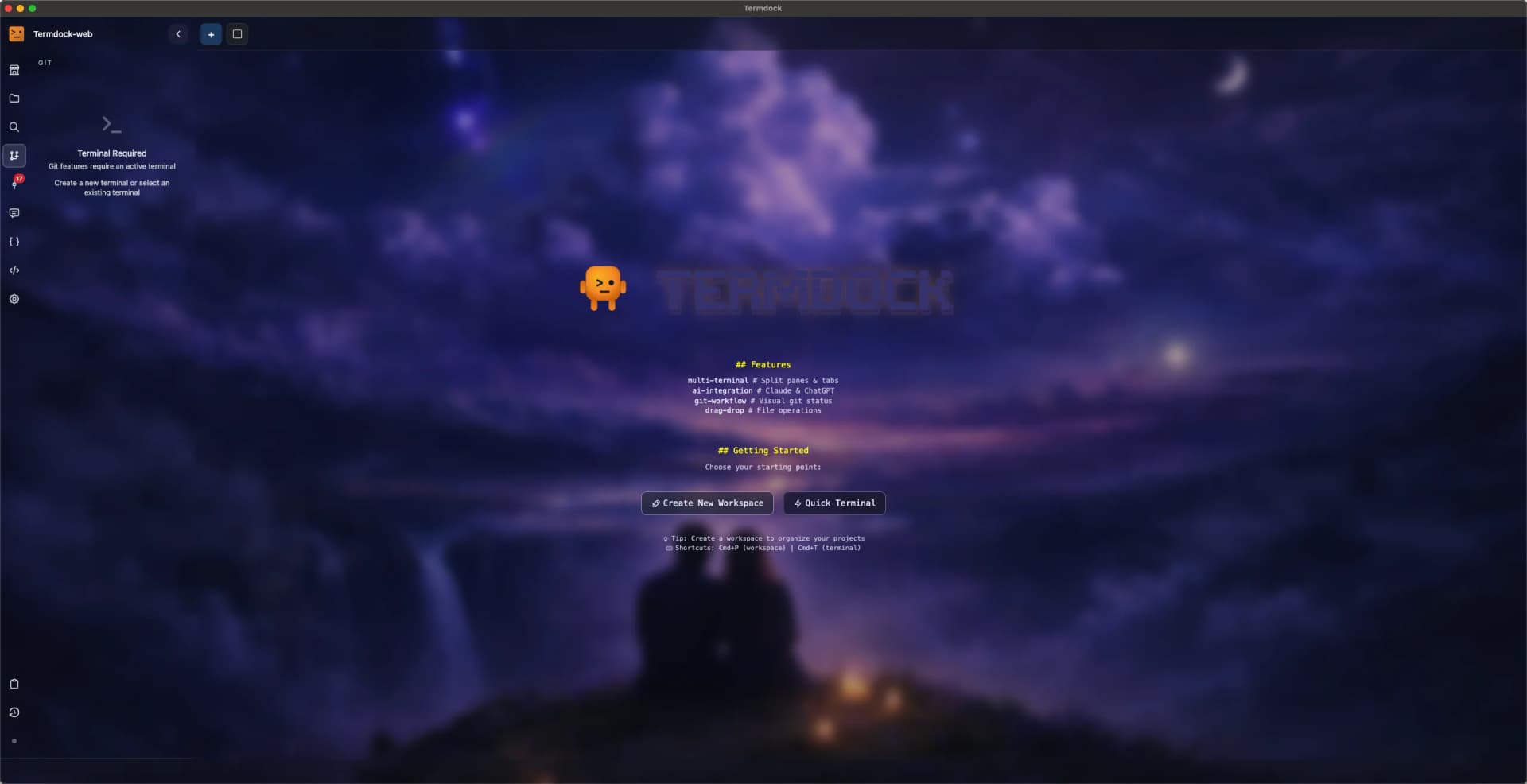
Termdock is the terminal your agents drive.
You step in when it matters.
Claude Code and Codex use the termdock CLI to open terminals, hand work to other agents, follow their output, and send the next step once the terminal goes idle; schedules, webhooks, and workflows chain it together. Away from your desk, open a browser on your phone and you are back in.
What Termdock Can Do
Agents start on their own and hand work to each other. You pick it up from your phone.
Pick it up from your phone.
MobileOpen the address in your phone's browser, pair once, and see the same terminals as your desk. No app, no domain, no certificate. Over Tailscale or ZeroTier it works when you are out, too.
Every approval in one place.
WorkstreamOnce Claude Code, Codex, or Gemini CLI hooks are set up, permission requests, questions, and exit plans land in the Workstream panel. Approve, deny, or reply without hunting through terminals.
Agents work on a schedule.
AutomationCron or one-time schedules open a terminal and send a prompt. An optional precheck command skips the run when conditions are not met, and idle keep-alive nudges long-running agents. Every run is logged.
Chain prompts, trigger from anywhere.
WorkflowA workflow sends prompts to the agent in the active tab, the next one when it finishes the last. A webhook URL drops a message into a specific tab of a specific workspace, so your scripts or CI steps can start work.
Termdocks connect to each other.
RemoteTermdocks on the same network find each other. Pair once and the device stays trusted; traffic is end-to-end encrypted and never goes through a cloud server. Mount another machine's workspace and open terminals there, take over what it started and hand it back. SSH hosts with tmux join the same list (Beta).
Talk to a session from Discord.
NotificationsAgents can push to Discord or Telegram with termdock notify, and sessions you /watch push when they finish. When a session pushes to Discord it gets its own thread, and typing there talks to that session.
Also included: Claude Code and Codex usage dashboard, prompt library, browser panel, System Monitor, Git review, split panes and workspaces.
More agents, more switchboard work.
One agent waits for approval. Another finished and nobody noticed. A third needs the second one's output. Termdock lets agents hand work to each other and brings you only the decisions.
Agents open terminals, dispatch, and wait.
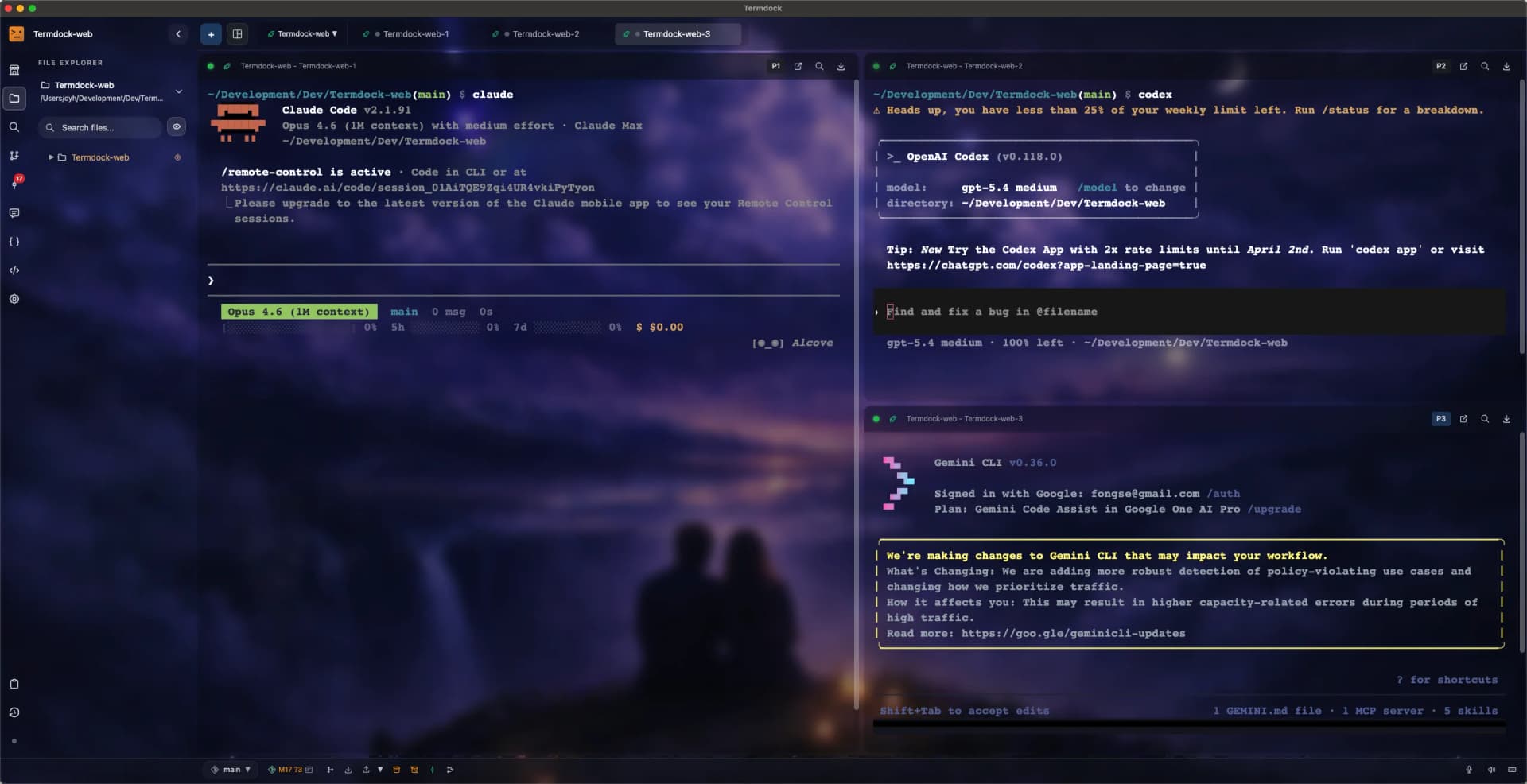
The termdock CLI and Terminal API let an agent create a terminal, start another agent in it, follow its output, and send the next command once the terminal is idle. The Agent Session API reports whether that agent is done or waiting on a permission. Bundled skills are installed into Claude Code and Codex automatically.
Agents look up code structure directly.
Definitions, callers, and dependencies across 9 languages (JavaScript, TypeScript/TSX, Python, Rust, Go, Java, C, C++, C#). Express, Fastify, Koa, FastAPI, and Flask routes are nodes in the graph. Agents query the AST API through the bundled termdock-ast skill, with LSP filling in call relations when needed.
Step away from the desk. The terminals stay within reach.
1.22 adds phone browser access, cross-machine takeover and hand-back, and schedules, workflows, and webhooks.
Your phone, same terminals
Turn on browser access, open the address on your phone, and pair. You see every local workspace and land on the terminal your desk is on. Pick a Tailscale or ZeroTier address to connect from outside.
Take over, hand back
A terminal opened by another Termdock can be taken over from your desk and handed back. Only one side types at a time. If the other device drops, its terminals keep running and can be reattached.
Schedules, workflows, webhooks
Cron or one-time schedules open a terminal and send a prompt. Workflows send prompts in sequence as agents finish. Webhook URLs push messages into a chosen tab.
Free. No account needed.
Install it and the Claude Code and Codex you already use run inside it.